
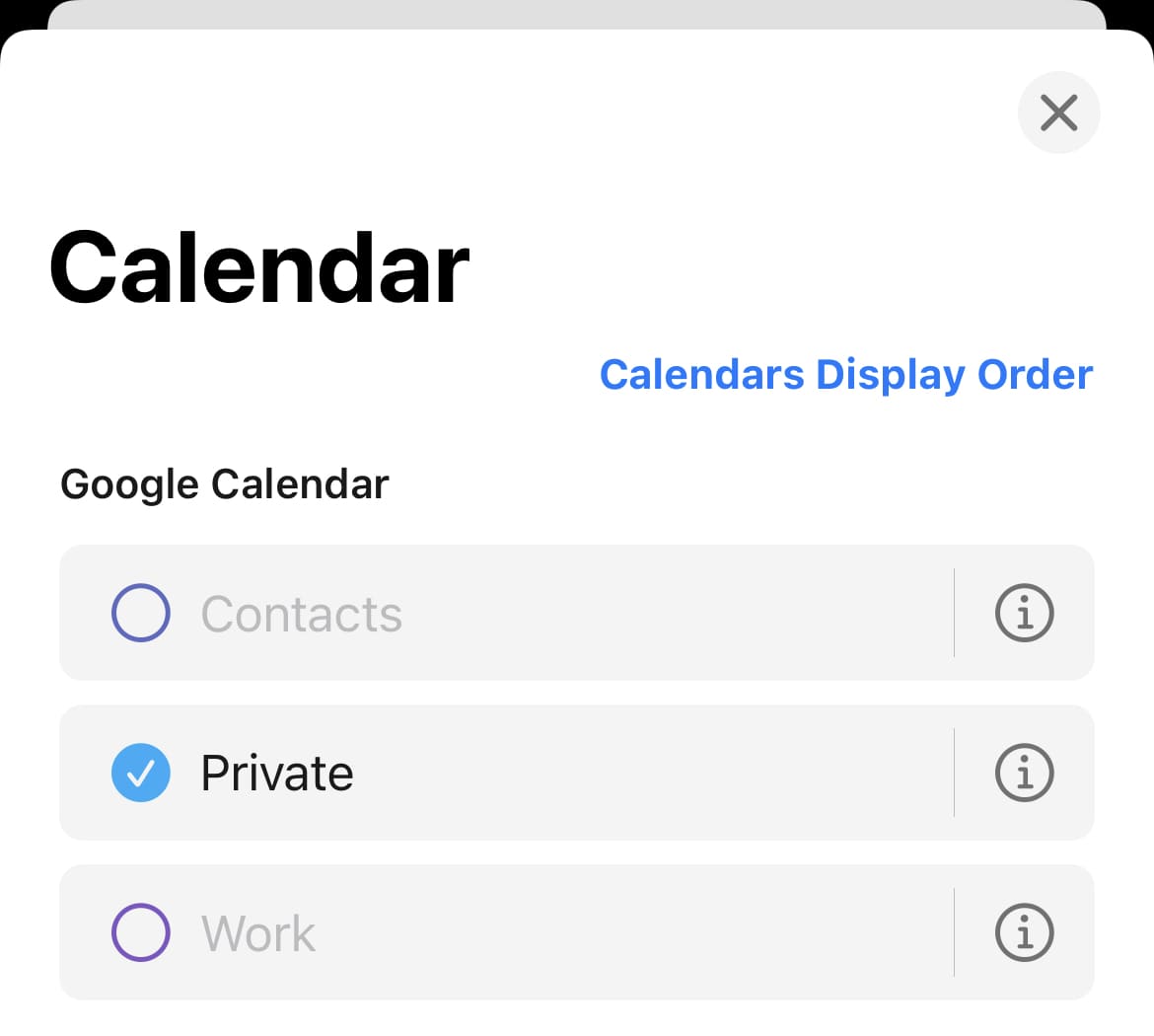
Showing or hiding calendars
You can change it from the app settings.
- Open the minical
 app
app - Tap the Calendar
 at the top right of the screen
 - Check the calendar to display
Related pages
- Changing the display order of events (calendar)
- Separating calendars by purpose (private, work, etc.)
- Changing the displayed month
- Change the time zone (time shifts after traveling abroad)
- How to quickly move dates, such as events from a year ago
- [User guide] Convenient scheduling method (copy, template, default setting)
- [User guide] Sharing calendar (with family and friends)