
Holidays
This is a guide about holidays.
Holidays are not displayed
Please confirm that the holiday calendar is displayed in minical.
- Open the minical
 app
app - Tap the Calendar
 at the top right of the screen
 - Make sure you have a holiday calendar
No public holiday calendar or public holidays in different regions
If there is no public holiday calendar for your region or you want to add holidays for another region, follow the steps below to add a holiday calendar.
- Open the Apple CalendarMON9 app
- Tap Calendars at the bottom of the screen
- Tap "Add Calendar"
- Tap "Add Holiday Calendar"
- Select the holiday calendar you want to add, then tap Done
Use the Holidays calendar on iPhone
In Calendar on iPhone, use the Holidays calendar.
Hide holidays in month calendar
If you want to hide all-day events for holidays, follow the steps below to hide the holiday calendar.
- Open the minical app
- Tap the Calendar at the top right of the screen
- Confirm that the left side of the holiday calendar is unchecked.
Duplicate holiday events appear
If you have multiple holiday calendars, duplicate holiday events may be displayed. Please follow the steps below to reduce the display of the holiday calendar to one.
- Open the minical app
- Tap the Calendar at the top right of the screen
- Tap the holiday calendar and uncheck the display
How to prevent highlighting of holidays (color change of dates)
If you want to stop highlighting holidays (changing the color of dates), follow the steps below to turn off the highlighting of holidays.
- Open the minical app
- Tap the Settings
 at the top right of the screen
 - Tap "Appearance"
- Turn off holidays from Highlight
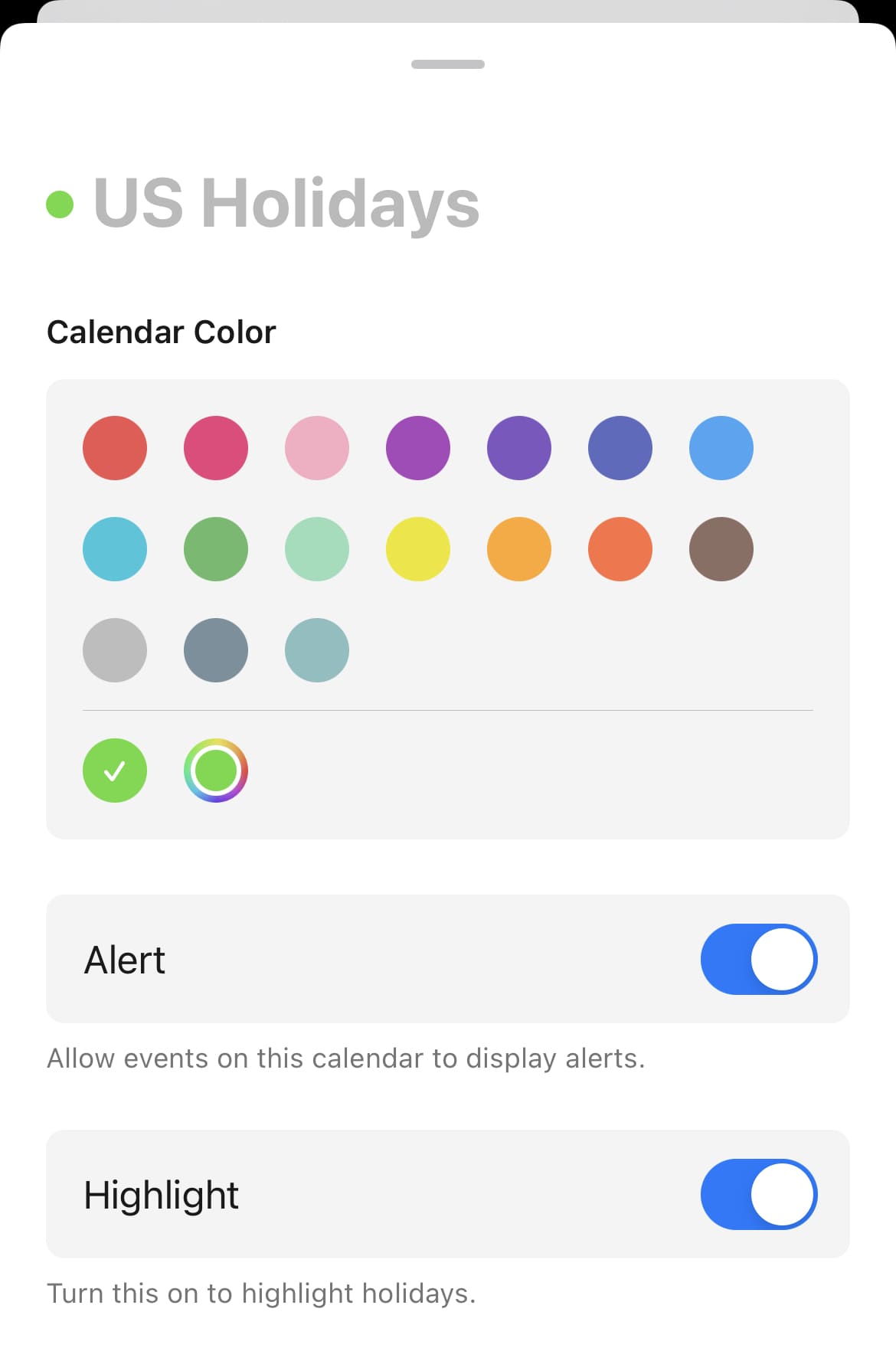
Change color of holidays
You can change it from the app settings.
- Open the minical app
- Tap the Settings at the top right of the screen
- Tap "Appearance"
- Tap a color from "Color Theme"
By upgrading to the paid minical pro, you can freely choose colors from the color palette.
Color themes with fixed highlight colors cannot be changed on holidays or weekends.
Holidays are wrong or substitute holidays are not displayed
minical retrieves the holidays listed in the Holiday calendar configured in the Apple Calendar app.
Therefore, whether holidays or substitute holidays are displayed depends on whether the calendar supports holidays or substitute holidays.
- If the holiday content or date is wrong, please subscribe to a calendar that supports the correct holiday.
- If you need to display substitute holidays, please subscribe to a calendar that supports substitute holidays.
- Apple’s holiday calendar does not support some substitute holidays.
- The dates of certain substitute holidays may be incorrect in Apple’s holiday calendar.
- The dates of some holidays themselves may also be incorrect in Apple’s holiday calendar.
- Example: Buddha’s Birthday 2023 (South Korea)
- https://www.clien.net/service/board/cm_iphonien/17739452